1
Start with a crawl
Run a crawl to see which pages redCacti can reach, which links it follows, and where paths break.
Crawlability audit
A crawlability audit checks whether search engines and website crawlers can access, follow, and move through the pages that matter on your site. redCacti helps you see crawl paths, broken links, orphan pages, sitemap gaps, and discovery issues in one workflow.
Quick answer
A crawlability audit checks whether important pages can be reached through crawlable links, included correctly in sitemaps, fetched without errors, and kept clear of accidental blocks. It is closely related to indexing, but it is not the same thing.
Crawlability
Links, robots rules, status codes, and fetch behavior.
Indexability
Noindex, canonical tags, duplication, and content quality.
Visibility
Relevance, internal support, intent match, and authority.
Why it matters
When important pages do not appear in search, the first reaction is often to rewrite the content. Sometimes that is needed. But before changing copy, you should confirm that crawlers can reach the page through clean, crawlable paths.
Google's link best practices explain that links help Google find new pages and understand page relevance. Its sitemap documentation also says sitemaps help crawling, but they do not guarantee that every URL will be crawled or indexed.
That is why crawlability audits need to look at several signals together: links, sitemaps, robots rules, status codes, orphan pages, and indexability context.
Audit signals
A useful crawlability audit combines access, discovery, link, sitemap, and response signals. Looking at only one of them can hide the real problem.
| Signal | What it shows | What to check |
|---|---|---|
| Crawl access | Whether important pages can be reached by a crawler. | Robots rules, blocked paths, unexpected status codes, timeouts, and pages that cannot be fetched. |
| Internal links | How crawlers and users move from one page to another. | Broken links, deep pages, weakly linked pages, JavaScript-only links, and missing contextual links. |
| Sitemap coverage | Which URLs you are asking search engines to discover. | Missing important URLs, stale URLs, non-canonical URLs, redirects, noindex pages, and error URLs. |
| Orphan pages | Pages that exist but are not supported by the internal link graph. | Zero incoming internal links, sitemap-only URLs, old campaign pages, and forgotten content. |
| Status codes | Whether URLs return the response a crawler expects. | 404s, 5xx errors, soft 404s, redirect chains, temporary redirects, and blocked resources. |
| Indexability context | Whether crawlable pages are also eligible to appear in search. | Noindex tags, canonical targets, duplicate pages, thin pages, and URLs that should not be indexed. |
Product workflow
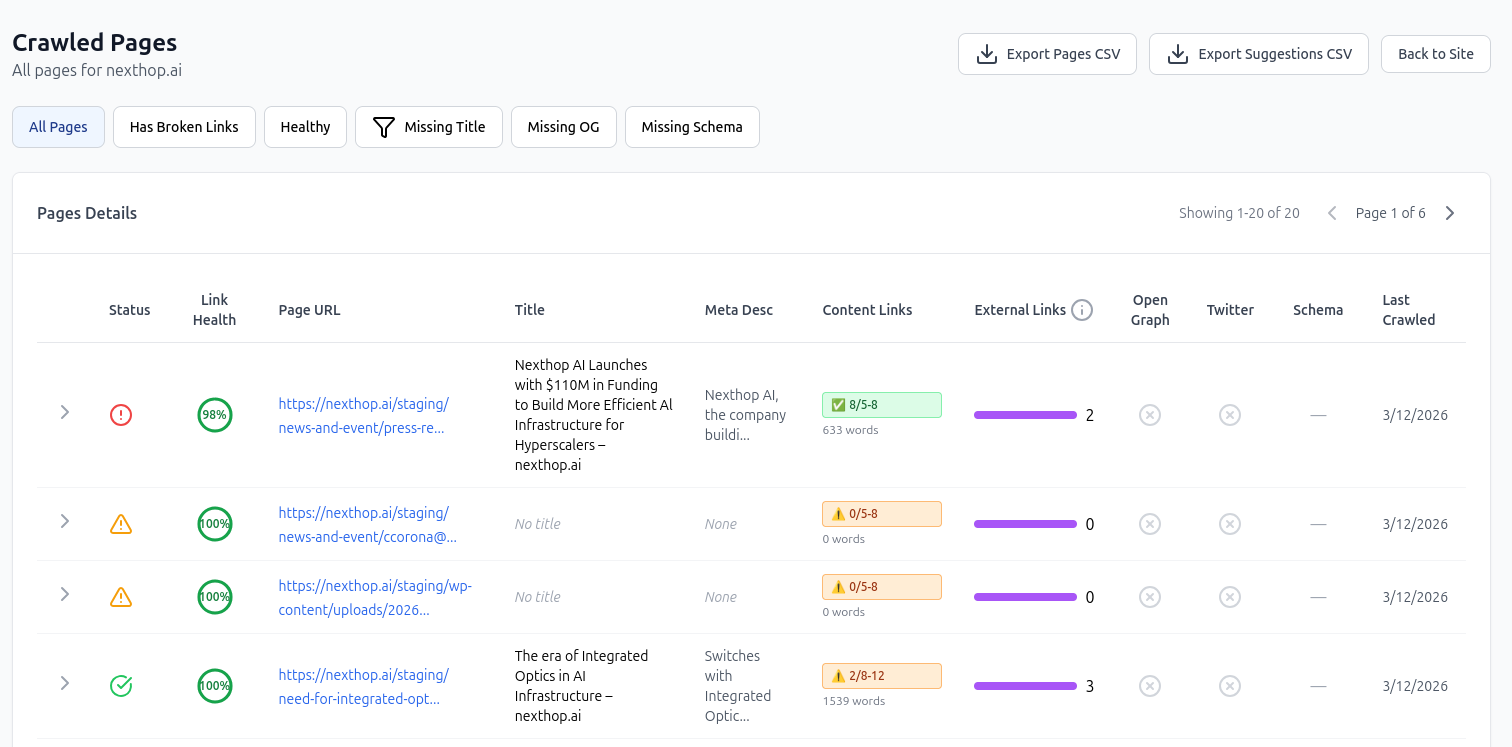
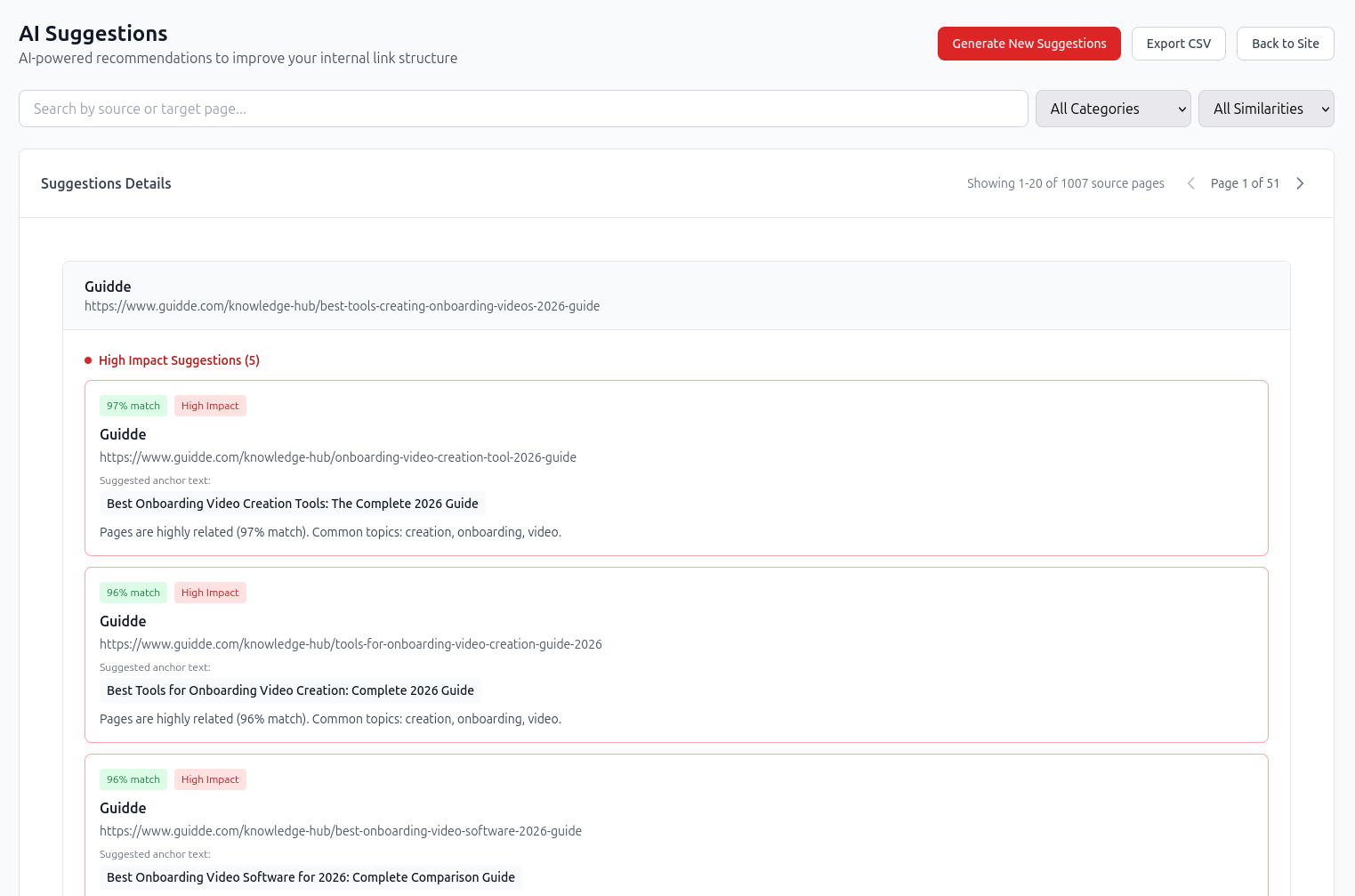
redCacti crawls your site and organizes discovered pages, link issues, and disconnected URLs. This gives your team a practical starting point before comparing against sitemaps, CMS exports, or Search Console data.
Start with a free broken-link check Diagnosis map
The point of a crawlability audit is not to collect warnings. It is to decide what should be fixed first and why.
| Issue | Likely cause | Next step |
|---|---|---|
| Important page is not found in the crawl | No internal path, blocked link path, or missing source links. | Compare the page against your sitemap and CMS export, then add contextual links if the page should be discoverable. |
| Page appears only in the sitemap | The page exists, but the site structure does not support it. | Review whether it should be linked, merged, redirected, removed, or intentionally isolated. |
| Crawler finds many broken internal links | URLs changed, pages were removed, or redirects were not updated. | Fix source links, add redirects only where appropriate, and remove links to dead destinations. |
| Important pages are buried too deep | The page is only reachable through old archives, pagination, filters, or low-value pages. | Add links from relevant hubs, high-traffic articles, product pages, or navigation where it makes sense. |
| Robots rules block valuable sections | Old disallow rules, staging rules, or broad path blocks stayed live. | Review robots.txt carefully and unblock only the paths that should be crawlable. |
| Sitemap contains bad URLs | The sitemap includes redirects, error pages, noindex pages, duplicates, or outdated content. | Clean the sitemap so it includes canonical, indexable, important URLs. |
Repeatable workflow
Crawlability changes whenever your site changes. Migrations, navigation updates, content pruning, and new launches can all create fresh discovery gaps.
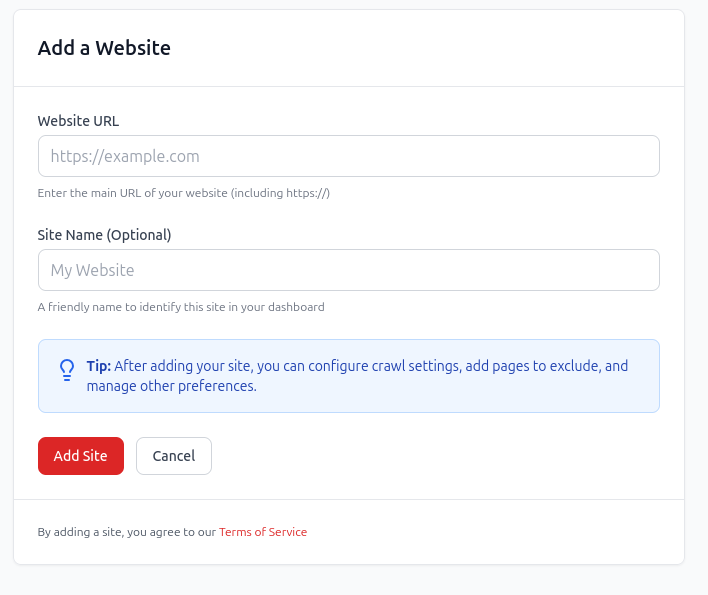
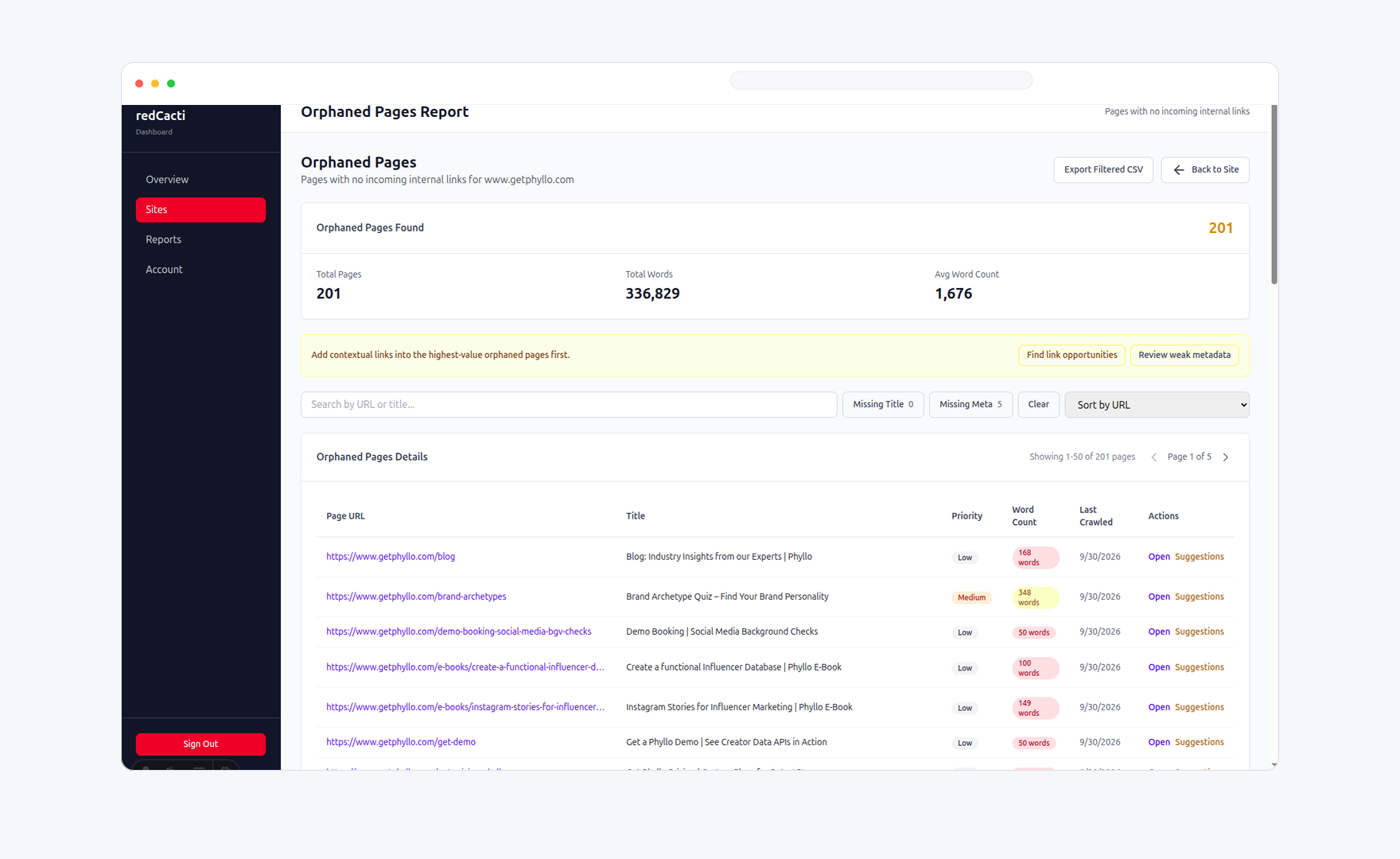
Run a crawl to see which pages redCacti can reach, which links it follows, and where paths break.
Use sitemaps, CMS exports, or other URL inventories to find pages that exist but are missing from the crawl.
Check robots rules, status codes, broken links, redirects, canonical tags, and pages with weak internal support.
Fix important discovery paths first, then re-crawl to confirm that pages are reachable and links behave correctly.
Prioritization
Not every crawl warning deserves the same urgency. Prioritize pages that can affect revenue, search visibility, user paths, or post-migration health.
Feature, use-case, comparison, pricing-adjacent, and integration pages should be easy to reach.
Content that supports an important topic or product path deserves stronger discovery routes.
Important URLs should not be left disconnected without a clear reason or intentional scope.
Fresh pages should receive links before they are forgotten by the publishing workflow.
Migrated sections need extra scrutiny because redirects, menus, and sitemaps often drift.
Repeated broken paths or orphan pages point to process problems, not just one-off fixes.
Checklist
Use this checklist after migrations, redesigns, content refreshes, or whenever important pages are not getting discovered.
Crawl the website from the homepage
Review robots.txt and crawl rules
Check sitemap URLs for stale, redirected, or non-canonical pages
Compare crawl output with sitemap and CMS exports
Find orphan pages and pages with very few internal links
Review broken internal links and redirect chains
Check whether important pages are buried too deep
Confirm noindex and canonical behavior on key pages
Prioritize fixes by business value and search opportunity
Add contextual links to important disconnected pages
Clean or remove low-value URLs from the sitemap
Re-crawl after fixes to confirm improvement
Related workflows
Crawlability is one part of technical SEO. These related pages help you move from discovery issues to a cleaner site structure.
Connect crawlability with broader technical SEO checks for SaaS websites.
Open pageValidate crawl directives and find rules that may block important paths.
Open pageCheck whether your sitemap is clean, current, and useful for discovery.
Open pageFind URLs that exist but do not receive incoming internal links.
Open pageFAQs
A crawlability audit checks whether search engines and website crawlers can access, follow, and move through the important pages on your site. It reviews crawl paths, internal links, status codes, robots rules, sitemap coverage, orphan pages, and related discovery signals.
Crawlability is about whether a crawler can access and discover a page. Indexing is about whether a search engine stores that page and can show it in search results. A page can be crawlable but not indexed, and a page can appear in a sitemap without being crawled or indexed.
No. A sitemap helps search engines discover important URLs and crawl a site more efficiently, but it does not guarantee that every submitted URL will be crawled or indexed.
Robots.txt tells crawlers which URLs they can access. It is mainly used to manage crawler access and load. It is not the right mechanism for keeping a web page private or reliably out of search results. Use noindex or access control when that is the goal.
Common issues include broken internal links, redirect chains, orphan pages, important pages buried too deep, outdated sitemaps, blocked sections, canonical mismatches, and pages returning unexpected status codes.
Run one after migrations, redesigns, navigation changes, CMS cleanups, product launches, major content updates, or whenever important pages are not being discovered, crawled, or indexed as expected.
redCacti crawls your site, shows discovered pages, highlights broken links and orphan pages, supports recurring monitoring, and helps you connect crawl issues with internal linking fixes.
Start with a crawl
Create an account, add your website, and use redCacti to find broken paths, orphan pages, weak internal links, and crawl health issues before they pile up.
No credit card required. Review every recommendation before changing your site.